What your browser gives away
What can any website learn about you without asking?
See every detail your browser hands to any website without a prompt, from your time zone and fonts to your graphics chip, what each one means, and how to reduce it. Nothing is sent anywhere.
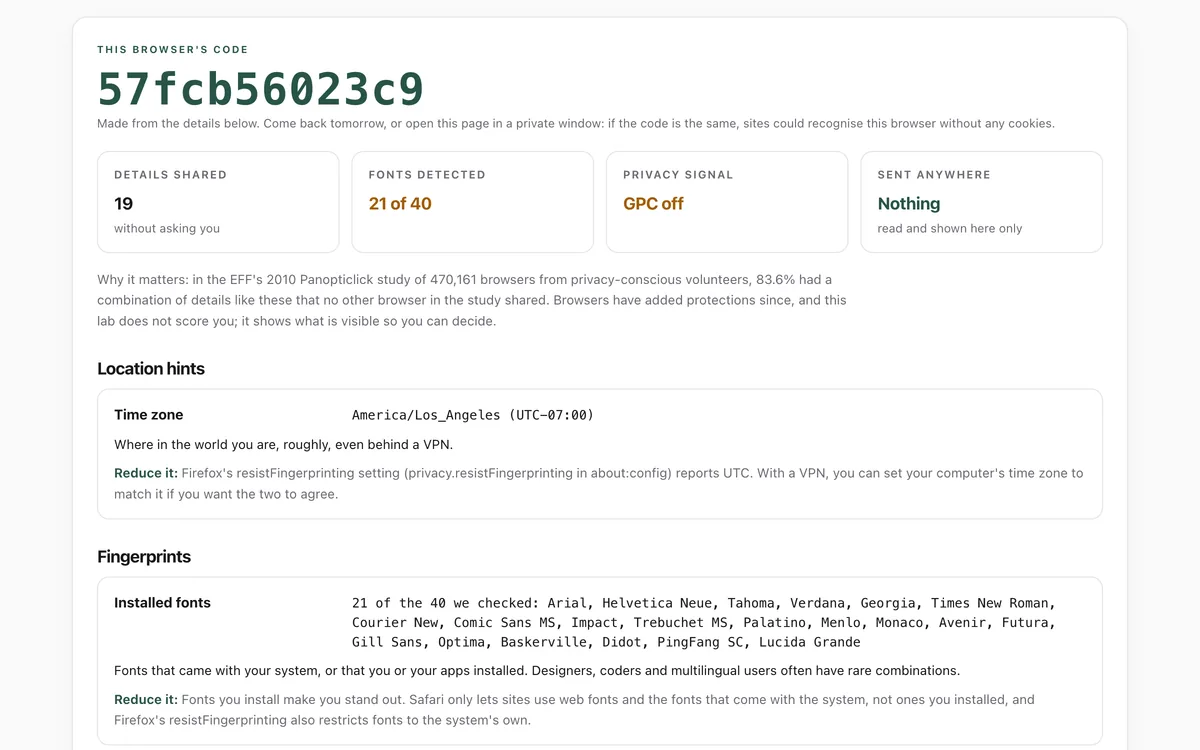
What it measures
Browser and system
Browser, version, operating system, languages and, in Chrome-based browsers, exact versions and device details handed out on request.
Location hints
Your time zone, which says roughly where you are even behind a VPN.
Fingerprints
Installed fonts, how your computer draws text and shapes, and your graphics chip: details that together can recognise a browser without cookies.
Hardware and signals
Screen, cores, memory, touch, battery, device counts, cookie settings, and whether you send Global Privacy Control.
How to use it
- Open the lab. It reads everything at once; there is nothing to type and no permission prompt.
- Look at the code at the top. It is made from the details below.
- Read each detail, what it means, and how to reduce it.
- Open the lab again later, or in a private window. If the code is the same, sites could recognise this browser without cookies.
Good to know
- It shows what this page can read. Sites can combine it with your IP address, which only a server sees; this page never contacts one.
- It does not score how unique you are, because that needs data about many other browsers, which we do not collect.
- Font detection checks 40 common fonts, not every font you have.
What we found
We opened the lab twice in each browser on one Mac, with a fresh profile and both loads in one session. Only Firefox with resistFingerprinting changed its code. One session cannot show whether a browser is recognised across visits or sites.
How-to
Every website can read dozens of details about your browser without asking: your time zone, screen, fonts, graphics chip and more. Together they can recognise your browser again, even after you clear cookies. You cannot hide everything, but you can blend in more.
See what your browser gives away
- Open the browser lab. There is nothing to type.
- Note the code at the top, then open the lab again tomorrow, or in a private window.
- If the code is the same, sites could recognise this browser without cookies.
Reduce it
- Keep your browser up to date, so you match millions of other people on the same version.
- Turn on Global Privacy Control. Brave sent it by default in our test. In Firefox, turn on "Tell websites not to sell or share my data" in Settings. Some US state privacy laws, including California's, treat it as a request to opt out.
- Limit third-party cookies. Safari blocks them by default and Firefox keeps them separate for each site. In Chrome, look for Third-party cookies under Privacy and security in Settings.
- Use fingerprinting protections. Safari only lets sites use the fonts that come with the system, and adds noise to fingerprintable features in Private Browsing. Firefox's resistFingerprinting setting (in about:config) reports UTC as your time zone, reports the window size as the screen size, and in our test changed the drawing code on every load, at the cost of some sites behaving oddly. Brave reported less specific hardware details in our test.
- Hide your IP address from the sites you visit with a VPN you trust or iCloud Private Relay. The lab cannot show your IP address, because it never contacts a server; every site you visit sees it.
Check again
Open the lab after each change and compare the details and the code.
Check that it's private
This lab runs entirely in your browser and sends nothing anywhere. You don't have to take our word for it:
- The browser enforces it. This site's security policy only lets pages talk to lab.hopperlabs.ai. This command shows
connect-src 'self':curl -sI https://lab.hopperlabs.ai/labs/browser-gives-away/run | grep -i content-security-policy - Every file is listed with its fingerprint and source commit in privacy.json, so you or your agent can compare them and read the code.
- Once the lab has loaded, turn off Wi-Fi: it keeps working, because it needs nothing from the network.
More labs
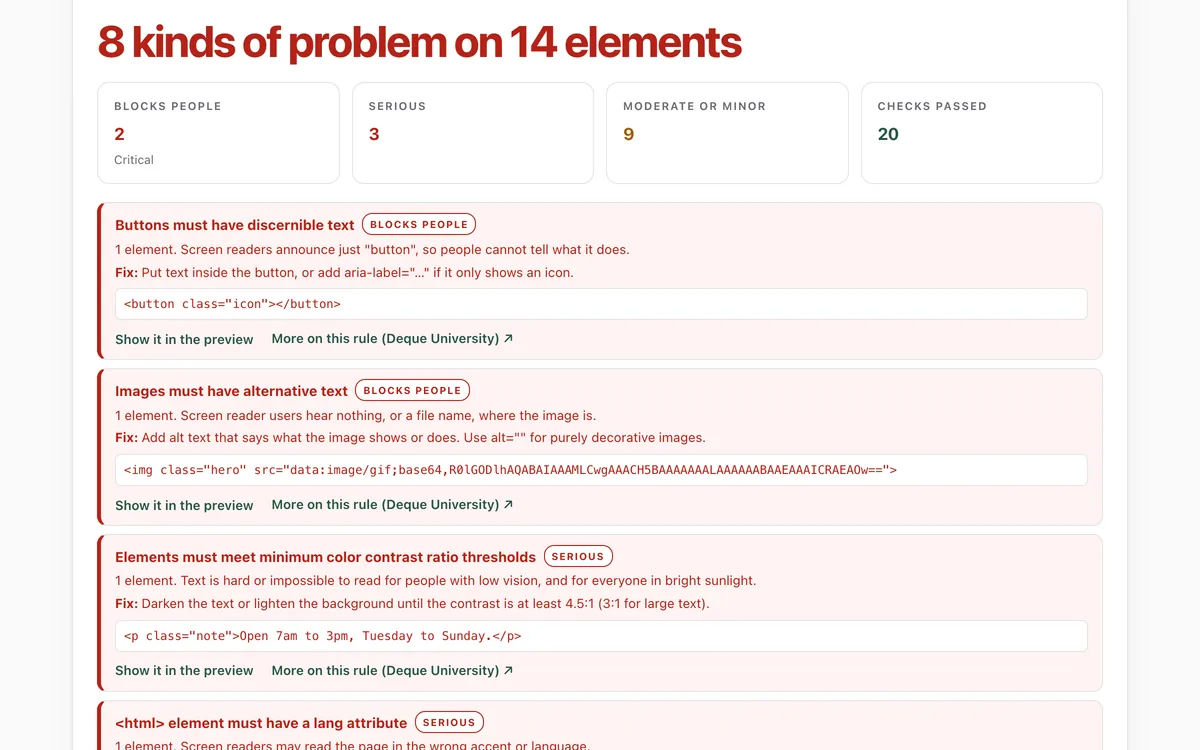
Accessibility check
Can everyone use this page, including people using a screen reader or a keyboard?
Open lab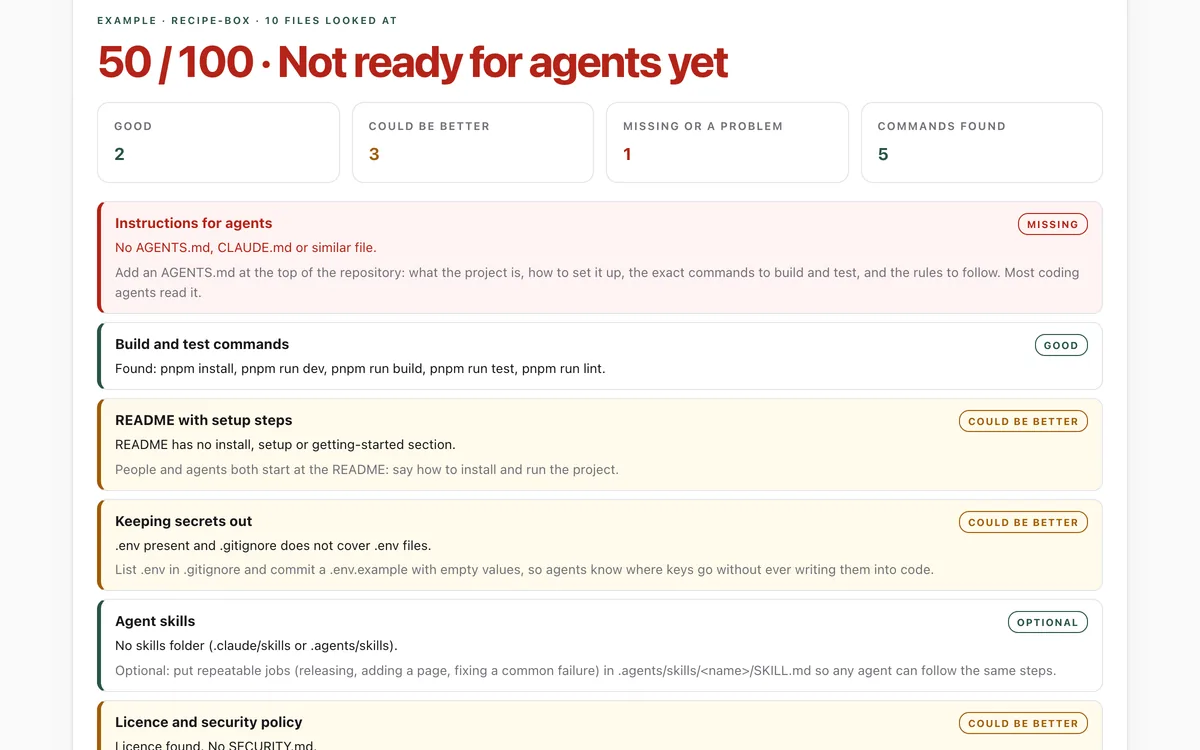
Make your repo agent-ready
Can an AI coding agent find its instructions, build, test and keep secrets out of your repository?
Open lab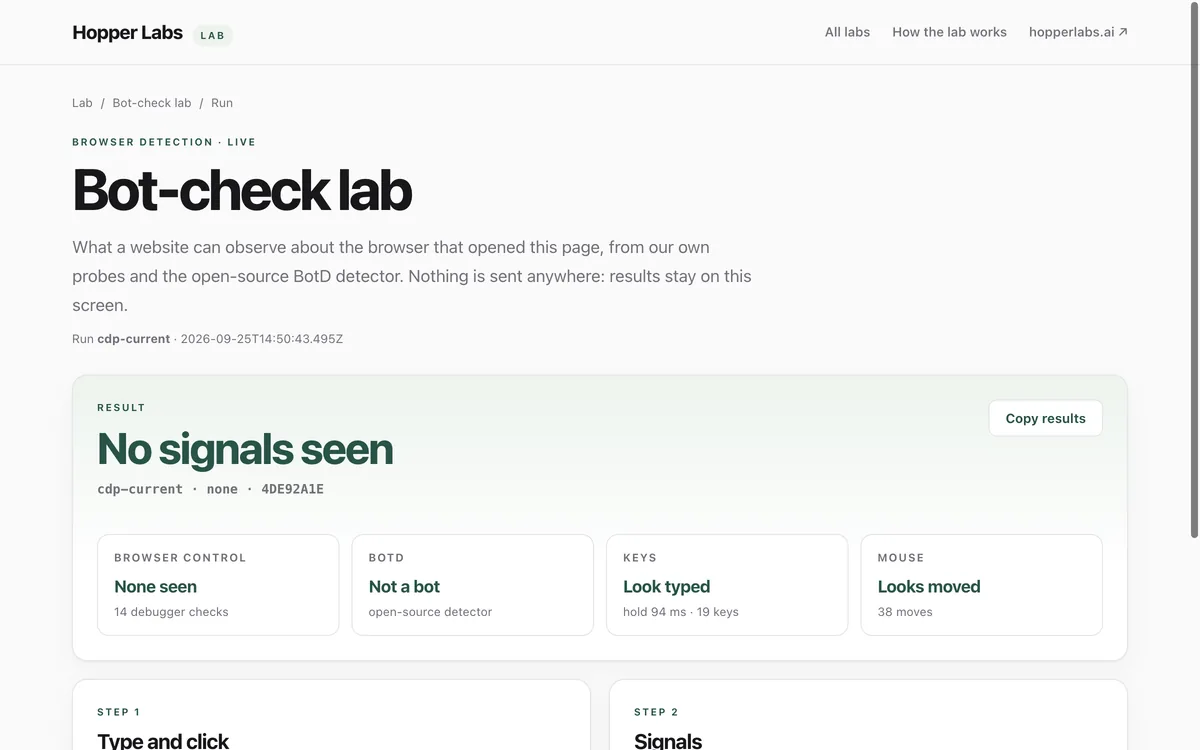
Bot-check lab
What can a website tell about the browser that opened it?
Open lab