Link check
Where does this link really go?
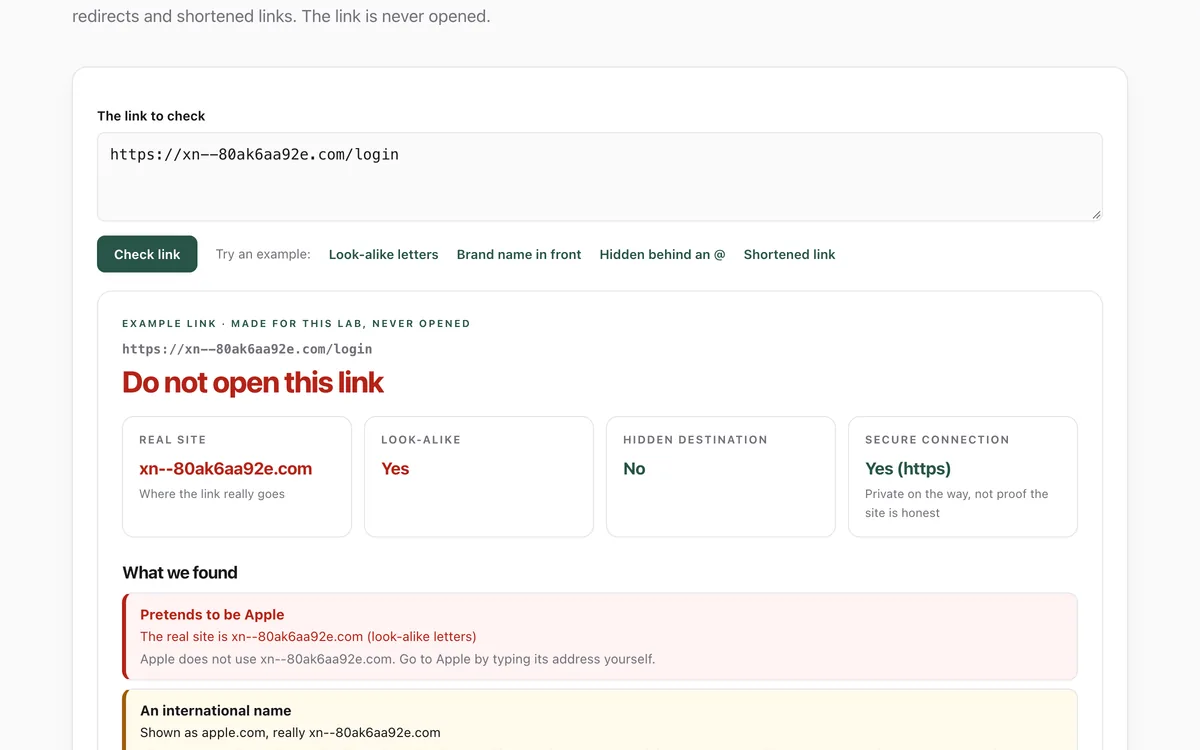
Paste a link to see the real site behind it: look-alike letters, brand names in front of someone else's site, text hidden before an @, shortened links and redirects. The link is never opened.
What it measures
The real site
The part of the address that decides where you go, worked out with the Public Suffix List, however long the name in front of it.
Look-alikes
Letters from other alphabets, digits for letters, and names made to resemble PayPal, Apple, banks, delivery firms and other brands scammers copy.
Hidden destinations
Shortened links, a second link tucked inside, and text before an @ sign that the browser ignores.
Connection and oddities
http without encryption, bare number addresses, unusual ports, .zip and .mov endings, and very long links.
How to use it
- Open the lab and paste the link into the box (several links, one per line, work too). Or try one of the examples.
- Read the verdict, then the Real site tile. That is where the link actually goes.
- Read the list of what we found. Every item says what it means for you.
- If anything is red, do not open the link. Go to the company by typing its address yourself.
Good to know
- It reads the link's text only. It cannot tell whether an ordinary-looking site is honest; most phishing links we tested looked ordinary.
- It does not follow shortened links or redirects, because that would mean opening them.
- The list of brands it knows is short and made by hand; a look-alike of a brand not on it only shows up through its other signs.
Give your agent this skill
Try the lab, then let your AI agent keep what it teaches. Read the skill first; install it only if you want to.
What we found
Disguised links are easy to catch; ordinary-looking bad links are not. On real phishing links the check flagged about 38%, and on the 10,000 most popular sites it raised a red alarm once.
How-to
Scam messages hide where a link really goes. The part that matters is the real site: the
name just before the first single slash, together with its ending, such as paypal.com in
https://www.paypal.com/signin. Everything in front of it can say anything.
Read the real site
- Copy the link without opening it: press and hold it (phone) or right-click > Copy link.
- Paste it into the link check.
- Look at the Real site tile.
paypal.com.secure-login.examplegoes tosecure-login.example, not to PayPal.
The tricks to know
- Brand name in front:
apple.com.account-check.example. Only the end decides where you go. - Look-alike letters:
аpple.comwith a Cyrillic "а", orpaypa1.comwith a digit one. - Text before an @: in
https://www.google.com@evil.example, everything before the @ is ignored. - Shortened links:
bit.ly/…and similar hide the destination until you click. - A link inside a link:
…?url=https://…can send you straight on to another site.
When in doubt
Do not click. Open your browser and type the company's address yourself, or use its app. A clean result means the link is not disguised; it does not mean the site is honest.
For your AI agent
Give your agent the Is this email real? skill. It checks links and senders the same way before it trusts or acts on an email, and asks you first.
Check that it's private
This lab runs entirely in your browser and sends nothing anywhere. You don't have to take our word for it:
- The browser enforces it. This site's security policy only lets pages talk to lab.hopperlabs.ai. This command shows
connect-src 'self':curl -sI https://lab.hopperlabs.ai/labs/link-check/run | grep -i content-security-policy - Every file is listed with its fingerprint and source commit in privacy.json, so you or your agent can compare them and read the code.
- Once the lab has loaded, turn off Wi-Fi: it keeps working, because it needs nothing from the network.
More labs
Accessibility check
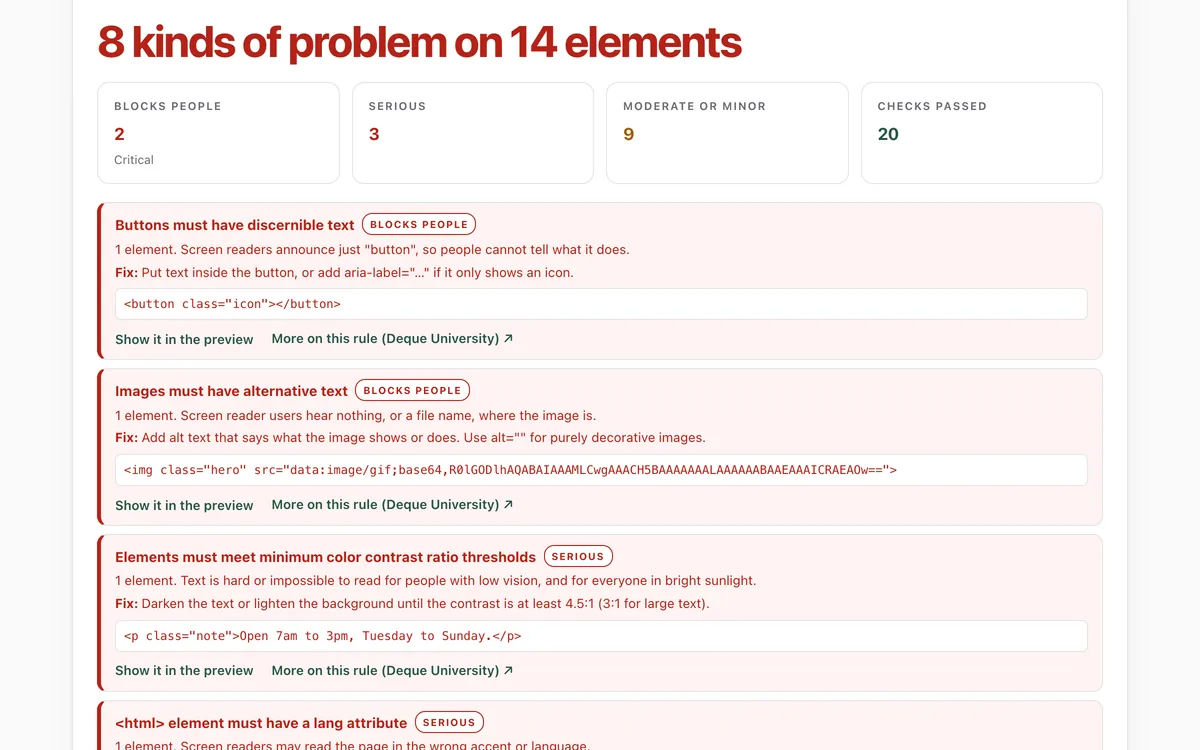
Can everyone use this page, including people using a screen reader or a keyboard?
Open lab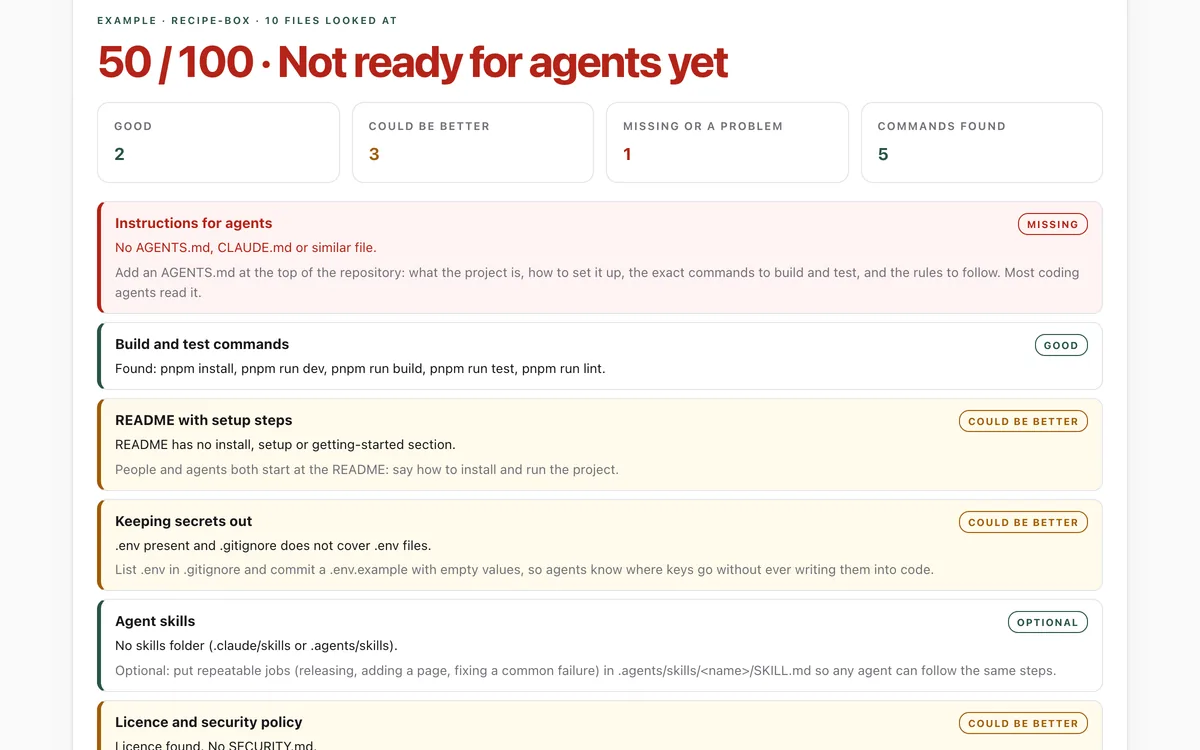
Make your repo agent-ready
Can an AI coding agent find its instructions, build, test and keep secrets out of your repository?
Open lab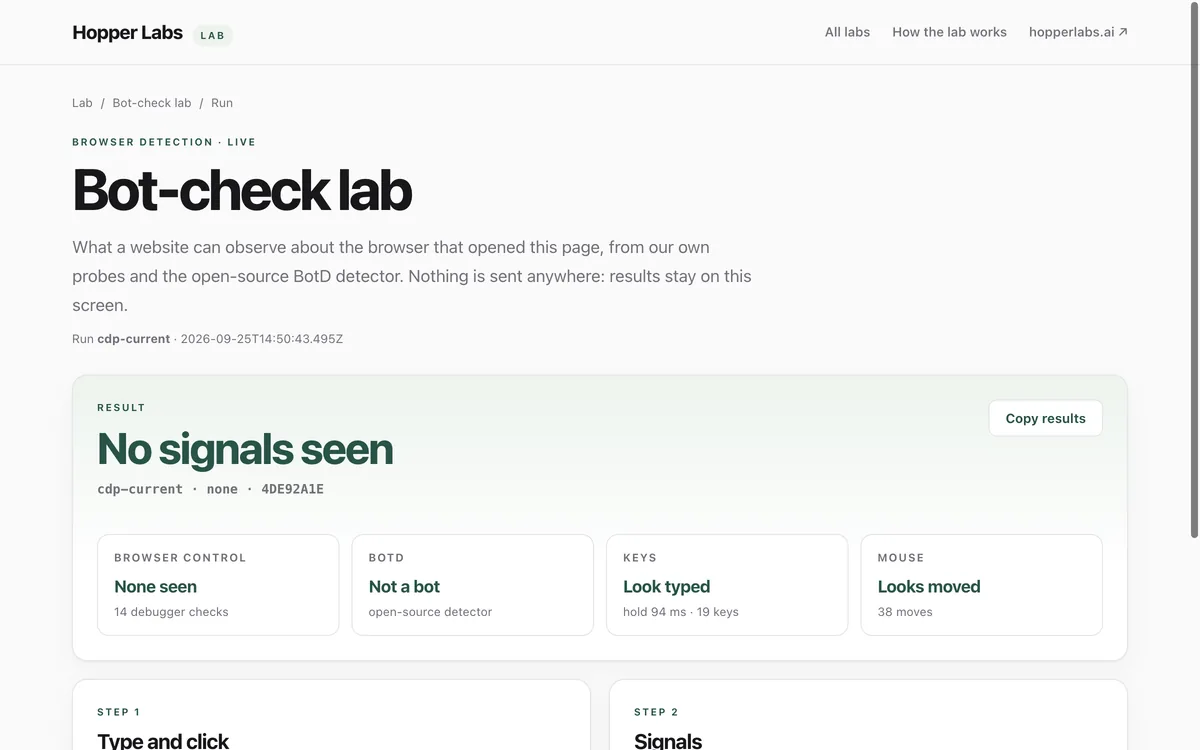
Bot-check lab
What can a website tell about the browser that opened it?
Open lab