Password strength
How long might a password take to guess?
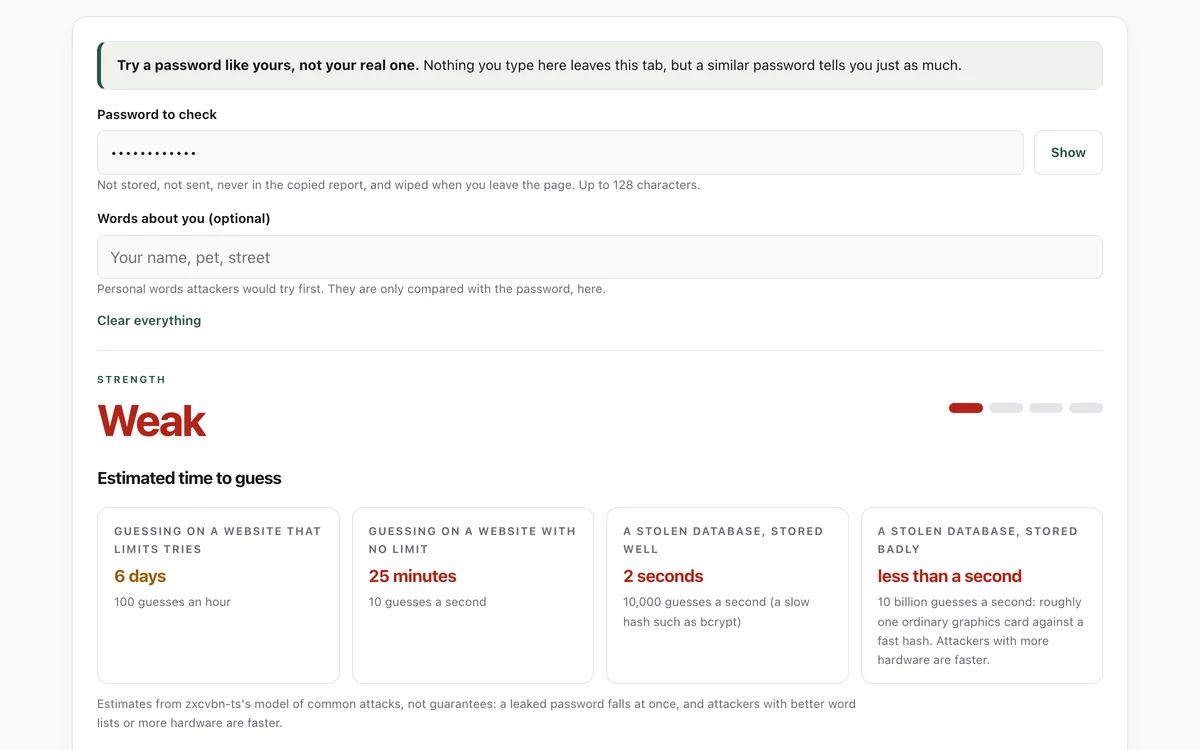
Type a password like yours to see estimates of how long it would take to guess in four situations, from a website that limits tries to a stolen database, and which words and patterns give it away. Nothing is stored or sent.
What it measures
Estimated time to guess
Estimates of how long an attacker would need on a website that limits tries, one that does not, and a stolen database stored well or badly.
What gives it away
Common passwords, dictionary words and names, look-alike swaps such as @ for a, keyboard patterns, dates, years and repeats.
Words about you
Optionally, personal words such as a name or pet, which attackers try first.
What to do
Plain advice that matters more than any single password: a password manager, passphrases, two-step sign-in and no reuse.
How to use it
- Open the lab. Type a password similar to one you use, not the real one.
- Read the strength and the four estimated guessing times. Red means under a day, amber under a year.
- Read what makes it guessable. Press Show to see which part each pattern matched.
- Optionally add words about you, such as your name or your pet's, to see if the password leans on them.
Good to know
- The times are estimates from zxcvbn-ts's English and common word lists and default attack speeds. Attackers with better lists or more hardware can be faster, and it counts random characters cautiously (10 possibilities each).
- It cannot tell whether a password has already leaked. Leaked passwords are tried first, however strong they look.
- The strength of an account also depends on the website (limits, two-step sign-in), which the lab cannot see.
What we found
We ran the lab's checker on the 10,001 passwords in SecLists' list of the most common passwords, and on a few well-known examples. It rated all but two as weak, and it can still be wrong about leaked passwords that are not on its own lists.
How-to
Attackers do not guess passwords one letter at a time. They try leaked passwords, dictionary words, names, dates and keyboard patterns first, with every common swap (@ for a, 0 for o, a year at the end). A password that looks complicated can fall in seconds.
Check a password
- Open the password strength lab.
- Type a password similar to one you use, not the real one.
- Look at the four estimated guessing times. Red means under a day, amber under a year. They are estimates: attackers with better word lists or more hardware can be faster.
- Read What makes it guessable: each item is something guessing tools try early.
Make better ones
- Use a password manager. Your browser's built-in one, or a dedicated app, makes a long random password for every site and fills it in. You only remember one.
- For the few you type yourself, use four or more random words:
lantern-pebble-orbit-cactus. Not a quote, lyric or phrase people say. - Never reuse a password. When one site leaks, attackers try the same email and password everywhere else. Reuse, not weakness, is how most accounts are taken.
- Turn on two-step sign-in, preferably a passkey or security key, for email first: your email can reset every other account.
Check whether a password has leaked
The lab cannot know whether a password has leaked. Your password manager or browser can warn you: in Chrome, Settings > Autofill and passwords > Google Password Manager > Checkup; on a Mac or iPhone, the Passwords app (Safari Settings > Passwords on older systems) lists security recommendations.
Check that it's private
This lab runs entirely in your browser and sends nothing anywhere. You don't have to take our word for it:
- The browser enforces it. This site's security policy only lets pages talk to lab.hopperlabs.ai. This command shows
connect-src 'self':curl -sI https://lab.hopperlabs.ai/labs/password-strength/run | grep -i content-security-policy - Every file is listed with its fingerprint and source commit in privacy.json, so you or your agent can compare them and read the code.
- Once the lab has loaded, turn off Wi-Fi: it keeps working, because it needs nothing from the network.
More labs
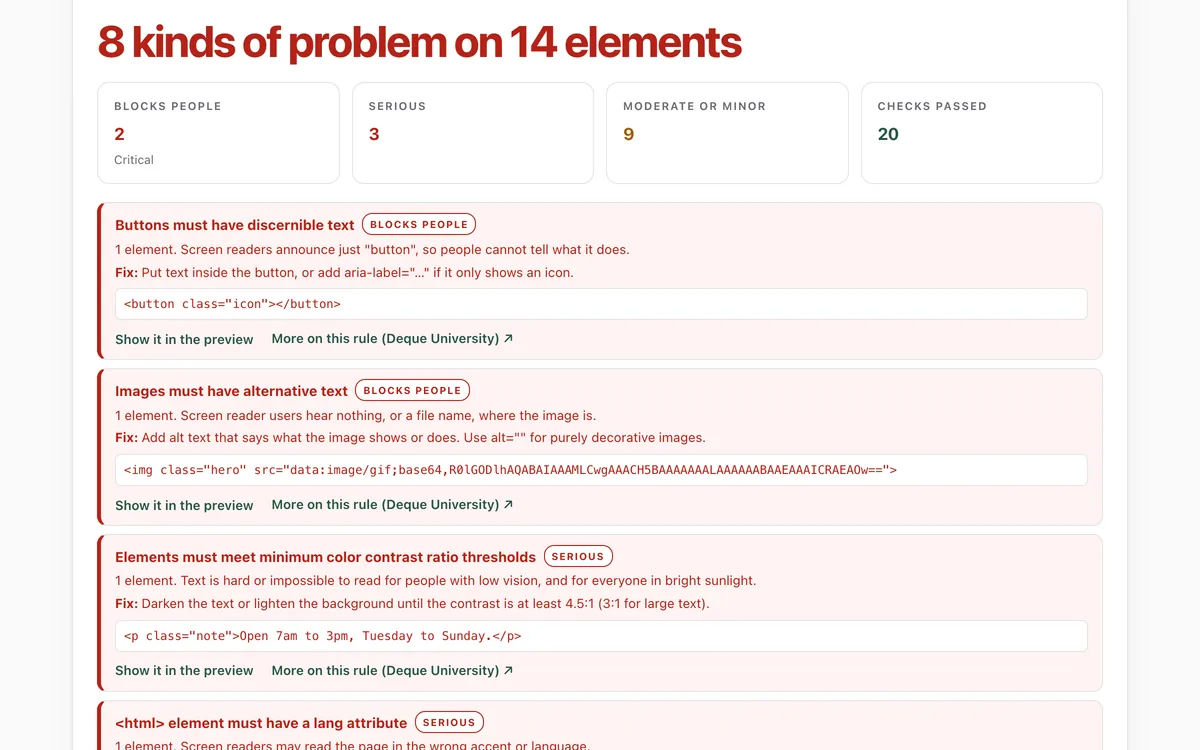
Accessibility check
Can everyone use this page, including people using a screen reader or a keyboard?
Open lab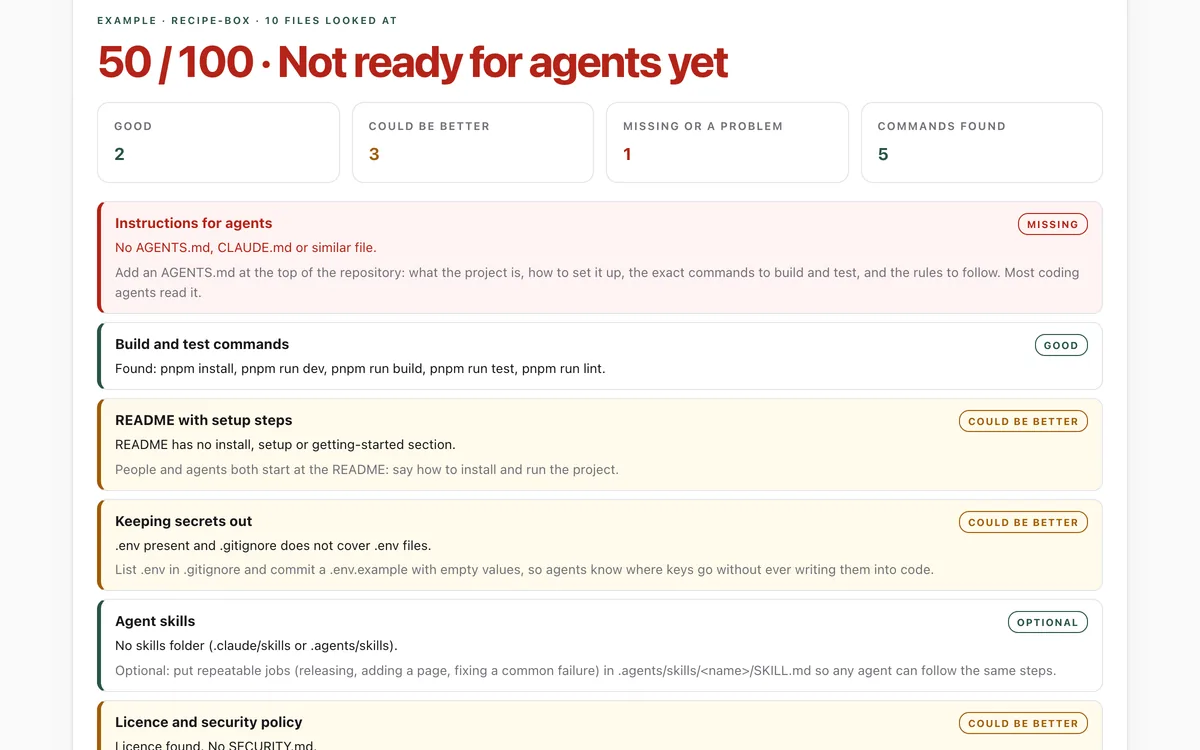
Make your repo agent-ready
Can an AI coding agent find its instructions, build, test and keep secrets out of your repository?
Open lab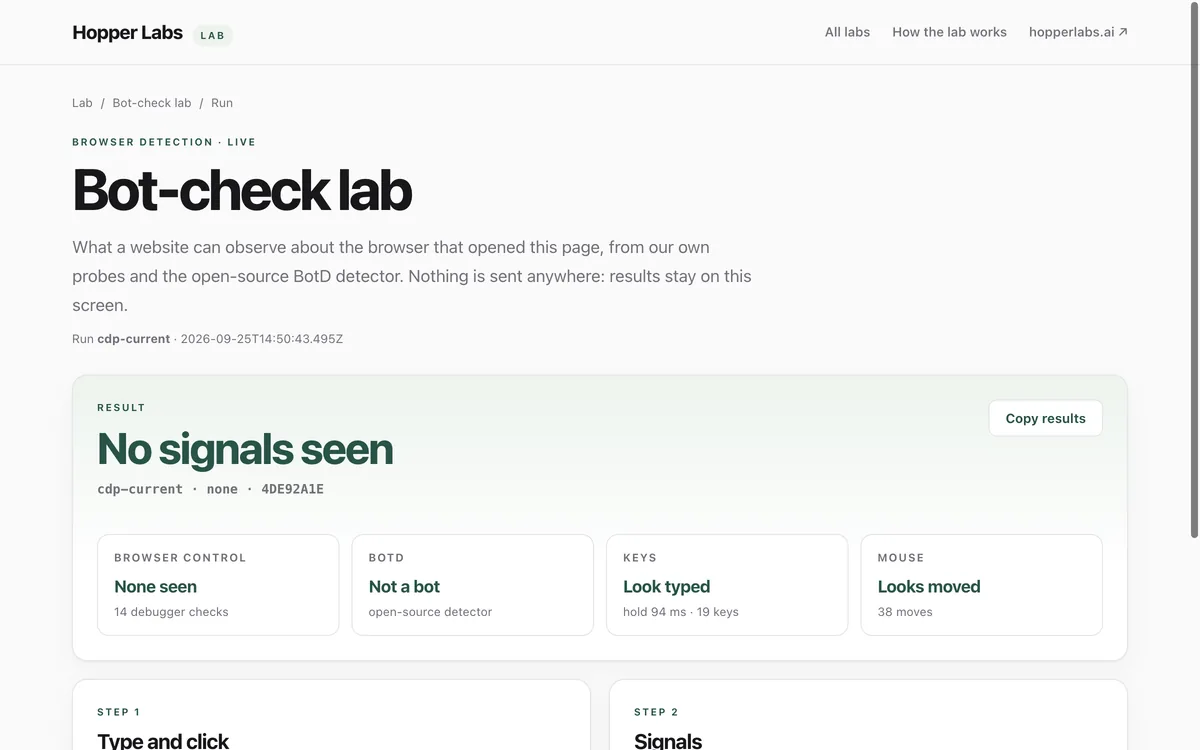
Bot-check lab
What can a website tell about the browser that opened it?
Open lab