QR code check
Where does this QR code really lead?
Take or choose a photo of a QR code to see what it would do before your phone does it: the real site behind a link, Wi-Fi it joins, payments it starts, and sign-in codes it would hand over. The code's link is never opened.
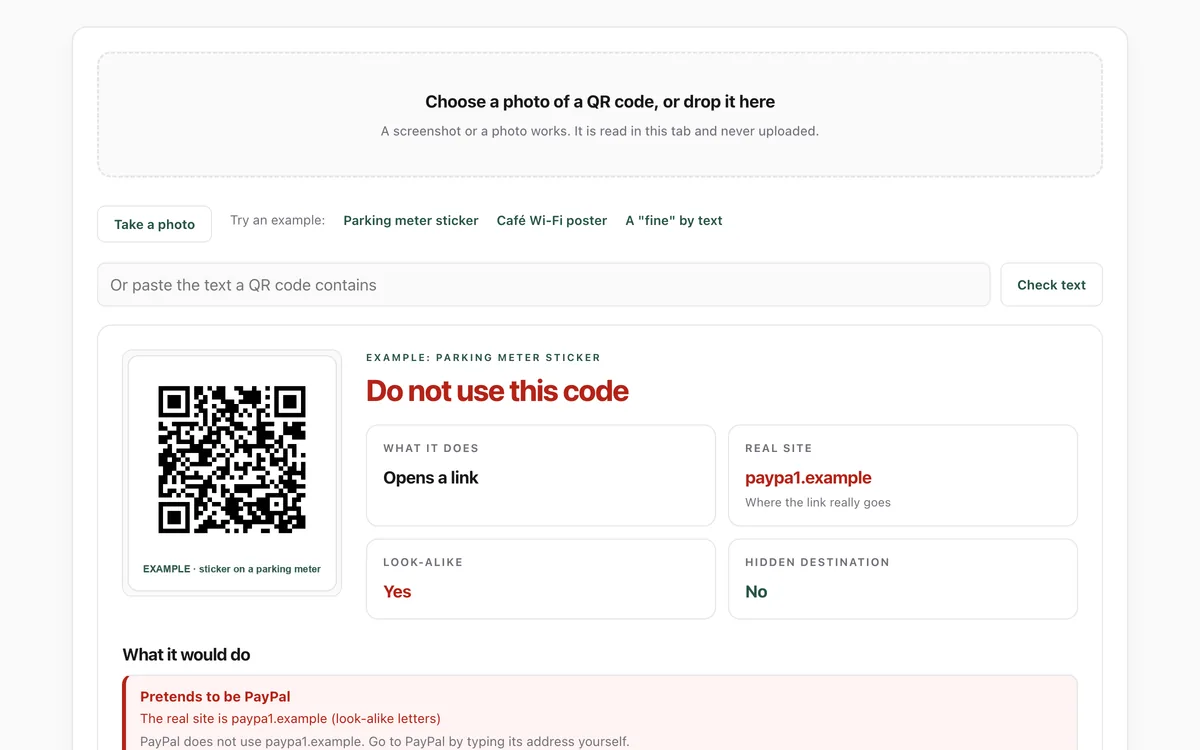
What it measures
Links
The real site behind a link code, checked for look-alikes, hidden redirects and shortened links, as in the link check.
Payments
Cryptocurrency and UPI payment codes, with the wallet or payee and amount, and why such payments cannot be undone.
Your accounts
Codes that add or copy two-factor sign-in secrets, and passkey sign-in requests from another device.
Phone and network
Calls and texts it would start (including premium numbers), and Wi-Fi networks it would join.
How to use it
- Open the lab. Take a photo of the code, choose a screenshot or photo, or drop it on the box. Or try an example.
- Read the verdict and the What it does tile.
- Read what the code would do. For links, the Real site tile shows where it goes.
- If it is red, do not scan it with your camera app. For parking, payments and deliveries, use the company's own app or site instead.
Good to know
- It reads the code, not the sticker: a real code can be covered by a fake one, so check that stickers are not stuck on top.
- It never opens the link, so it cannot tell whether an ordinary-looking site is honest.
- Very small, blurry or damaged codes may not decode; a closer, sharper photo usually works.
Give your agent this skill
Try the lab, then let your AI agent keep what it teaches. Read the skill first; install it only if you want to.
What we found
The lab reads QR codes the same way jsQR's own test suite does: on the project's 254 test photos it reproduced every recorded result.
How-to
Scammers stick fake QR codes on parking meters, restaurant tables, posters and letters, and send them by email and text. A QR code is just a short piece of text, and your phone acts on it as soon as you tap.
Check it
- Take a photo or screenshot of the code instead of opening it.
- Open the QR code check and choose that photo.
- Read What it does and, for links, the Real site.
What a QR code can do
- Open a link: check the real site, exactly as in the link check.
- Start a payment: crypto and payment-app codes send money you cannot get back.
- Copy your sign-in codes: an authenticator "export" code hands over your two-factor secrets. Only scan one you made yourself.
- Sign someone in: a passkey code asks your phone to sign in on a nearby computer. Only scan it if you started that sign-in yourself.
- Call, text or join Wi-Fi: check the number or network name first.
Safer habits
- On your phone's camera, read the address it shows before tapping it.
- For parking, tickets, deliveries and bills, use the company's own app or type its address.
- Feel for a sticker on top of the real code.
For your AI agent
Give your agent the Is this email real? skill: it checks links, senders and requests the same way before acting on messages for you.
Check that it's private
This lab runs entirely in your browser and sends nothing anywhere. You don't have to take our word for it:
- The browser enforces it. This site's security policy only lets pages talk to lab.hopperlabs.ai. This command shows
connect-src 'self':curl -sI https://lab.hopperlabs.ai/labs/qr-check/run | grep -i content-security-policy - Every file is listed with its fingerprint and source commit in privacy.json, so you or your agent can compare them and read the code.
- Once the lab has loaded, turn off Wi-Fi: it keeps working, because it needs nothing from the network.
More labs
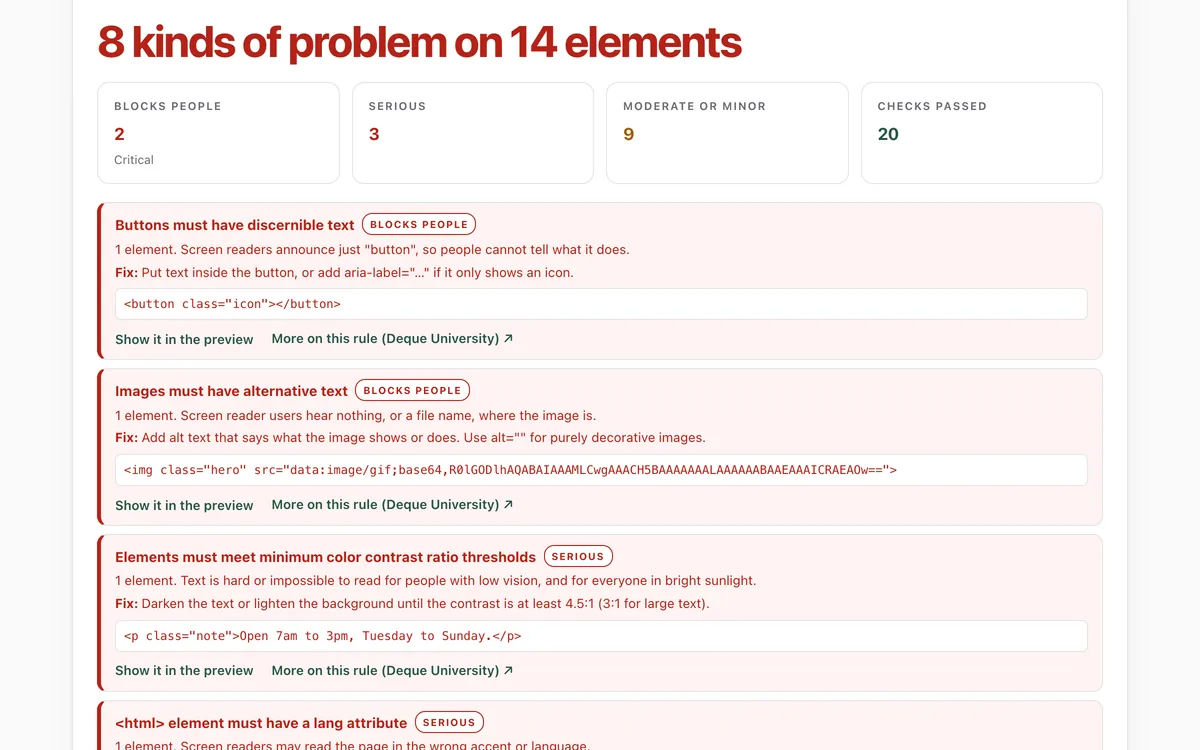
Accessibility check
Can everyone use this page, including people using a screen reader or a keyboard?
Open lab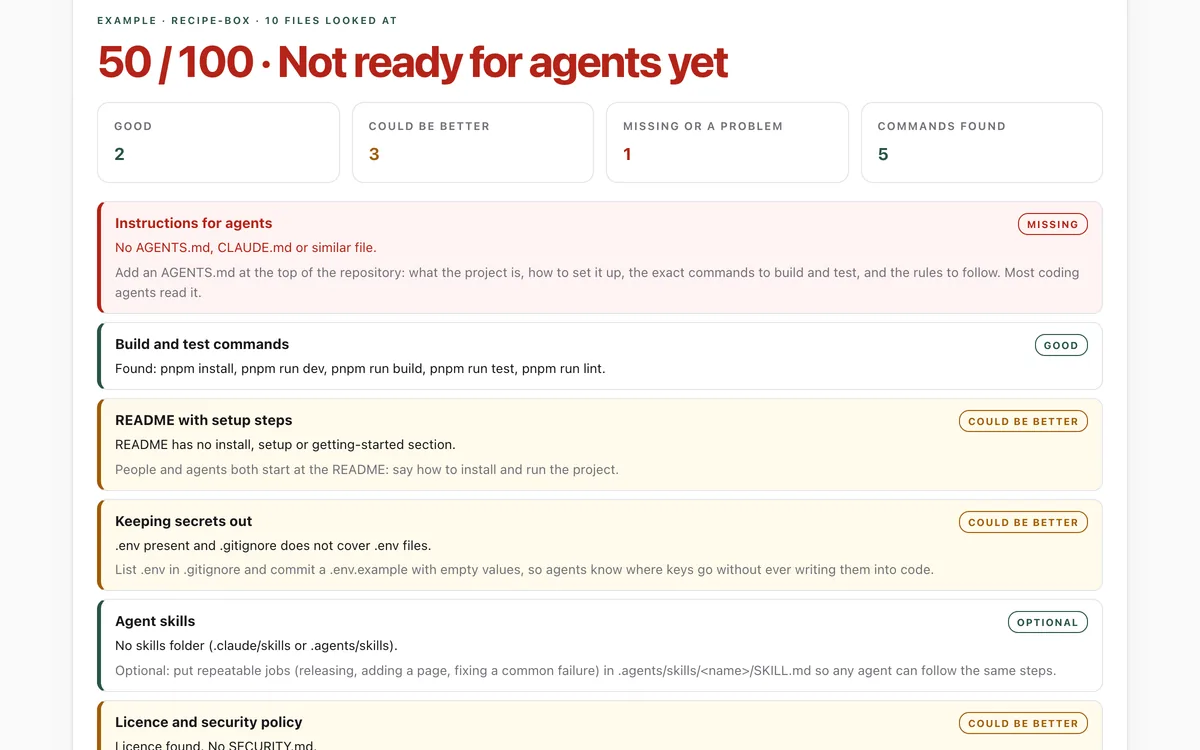
Make your repo agent-ready
Can an AI coding agent find its instructions, build, test and keep secrets out of your repository?
Open lab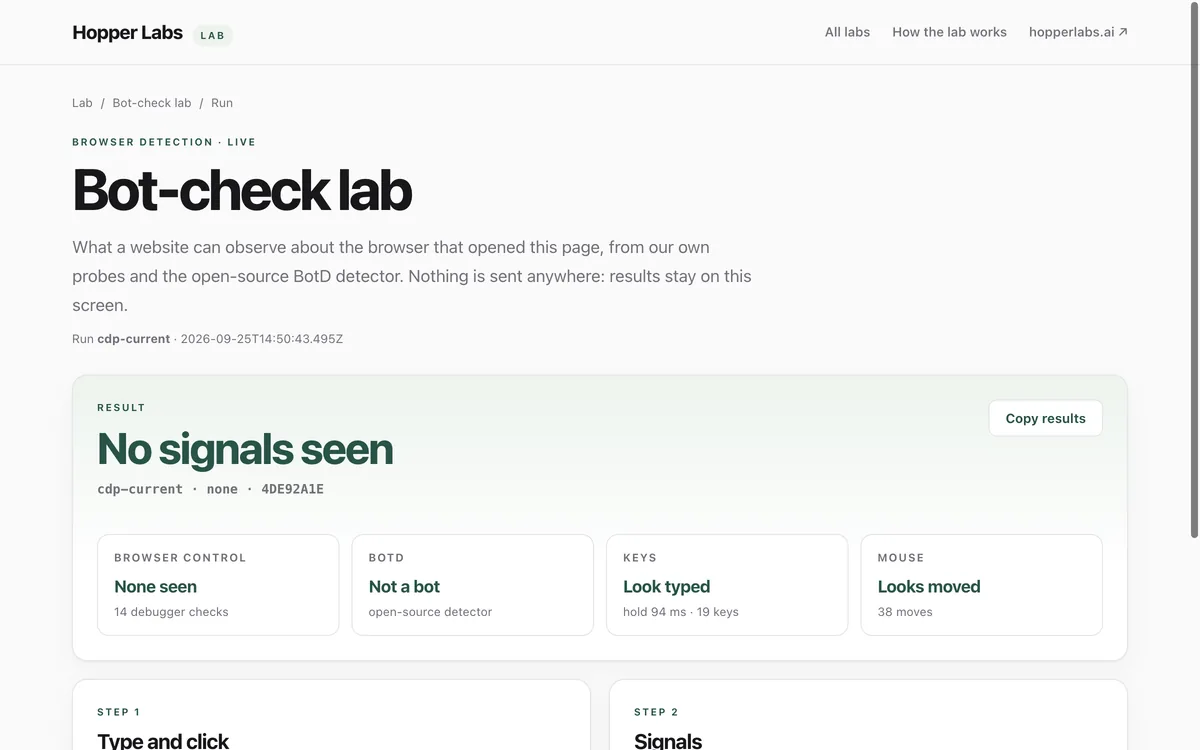
Bot-check lab
What can a website tell about the browser that opened it?
Open lab