Ship a skill over MCP
Watch an agent discover a skill, verify its instructions and use a read-only tool.
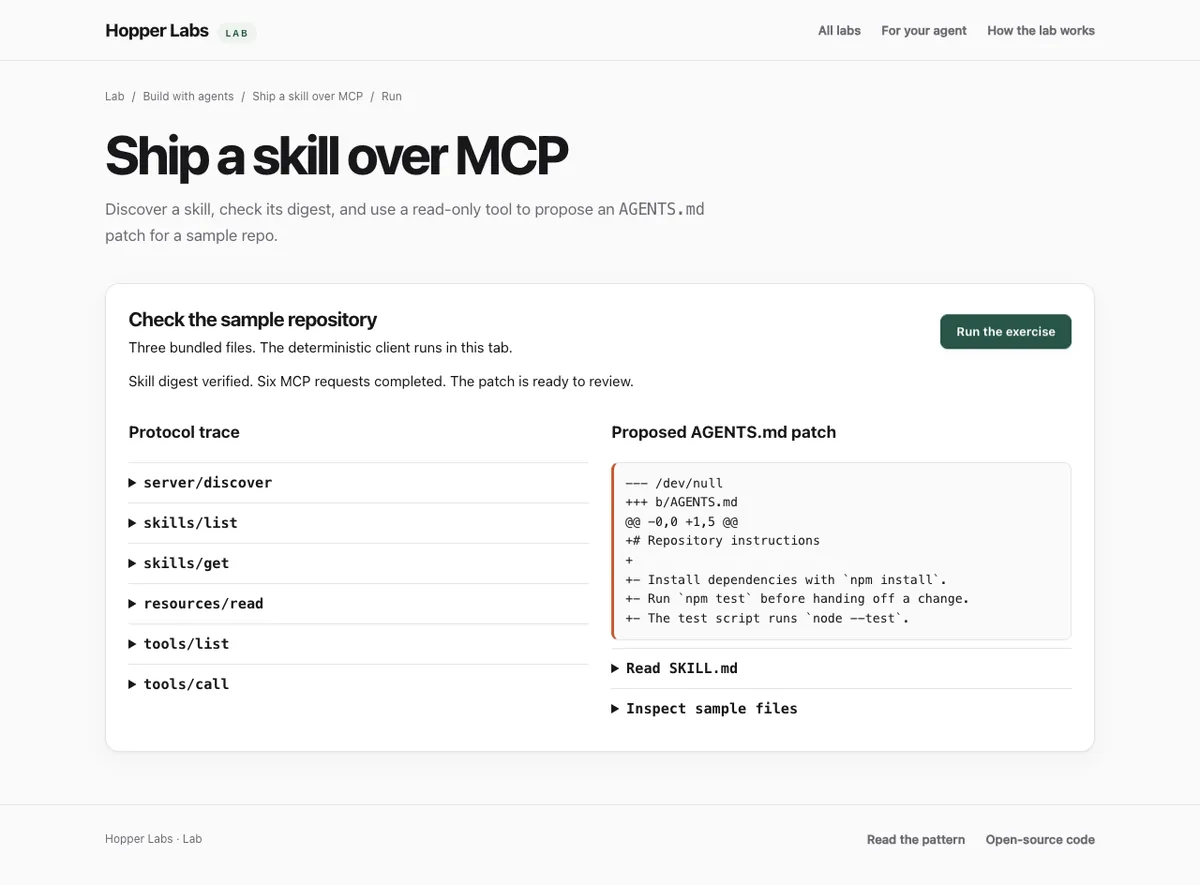
Run a deterministic MCP exchange against a bundled repository. Inspect the real JSON-RPC messages behind discovery, the skill read and the proposed AGENTS.md patch.
What it measures
Discovery
The server advertises Skills and returns a manifest.
Integrity
The client checks the downloaded instructions against their SHA-256 digest.
Tool use
A read-only tool returns three bundled files as evidence for the patch.
How to use it
- Run the sample repository check.
- Open a message in the protocol trace and compare its request and response.
- Read the proposed AGENTS.md patch and check each command against the sample files.
Good to know
- The browser uses a deterministic client with the same request handler as the open-source stdio server.
- The exercise reads the bundled fixture. It does not run its commands, open your files or call an AI model.
What we found
No published results yet.
How-to
An MCP skill adds a workflow to a tool surface. In this exercise the skill explains how to check a repository and propose instructions based on evidence. The tool supplies the evidence from a fixed sample repository.
- Open the lab and run the check.
- Find the Skills capability in the discovery response. Read the digest and byte size in the skill manifest.
- Compare the skill text, tool result and proposed patch. The client verifies the skill bytes before using them.
Read the Hopper Patterns guide to adapt this workflow, or run the open-source stdio example with a compatible MCP client.
Check that it's private
This lab runs entirely in your browser and sends nothing anywhere. You don't have to take our word for it:
- The browser enforces it. This site's security policy only lets pages talk to lab.hopperlabs.ai. This command shows
connect-src 'self':curl -sI https://lab.hopperlabs.ai/labs/skills-over-mcp/run | grep -i content-security-policy - Every file is listed with its fingerprint and source commit in privacy.json, so you or your agent can compare them and read the code.
- Once the lab has loaded, turn off Wi-Fi: it keeps working, because it needs nothing from the network.
More labs
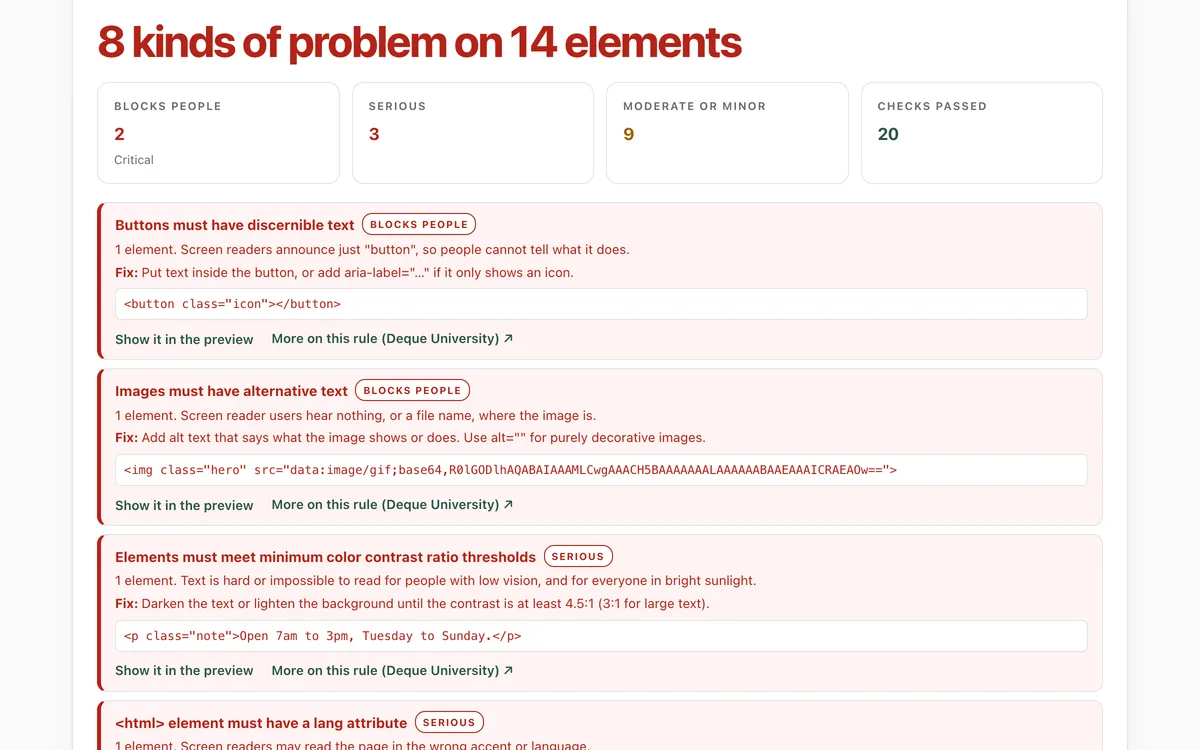
Accessibility check
Can everyone use this page, including people using a screen reader or a keyboard?
Open lab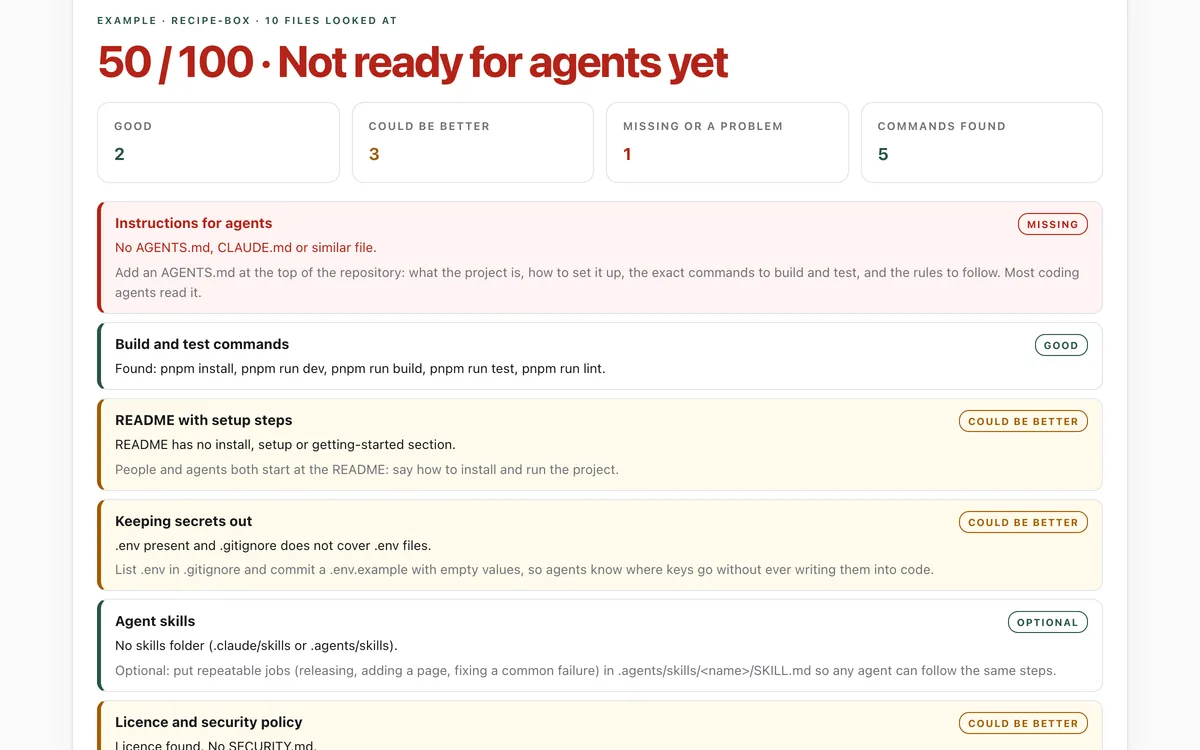
Make your repo agent-ready
Can an AI coding agent find its instructions, build, test and keep secrets out of your repository?
Open lab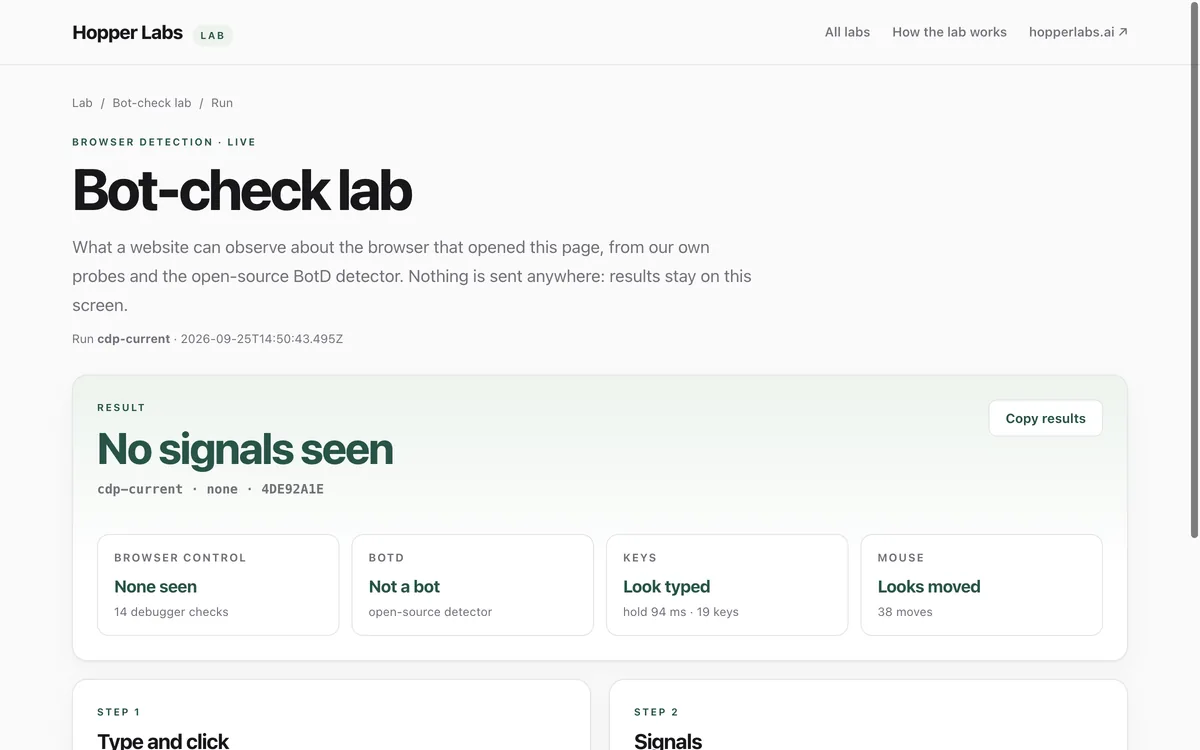
Bot-check lab
What can a website tell about the browser that opened it?
Open lab